

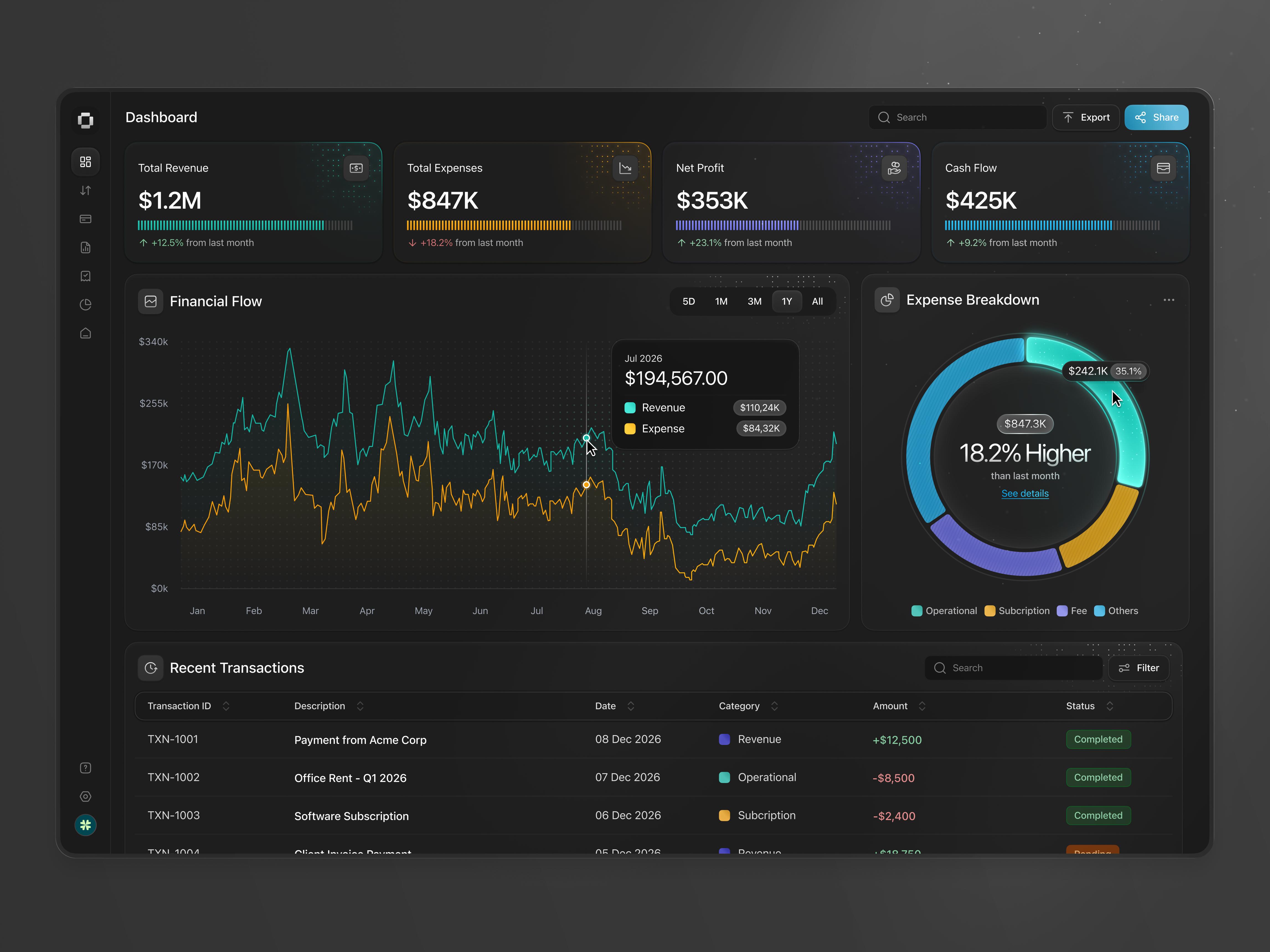
בקצרה: Claude יכול להפוך קובצי הכנסות, הוצאות, חשבוניות ותנועות בנק לדשבורד פיננסי מסודר: לתכנן מדדים, לנקות נתונים, לחשב רווח ותזרים, ולסמן הוצאות וחשבוניות באיחור. מריצים את 8 הפרומפטים לפי הסדר, ובודקים כל מספר חשוב מול המקור לפני שסומכים עליו.
לא צריך להיות אנליסט פיננסי, מומחה אקסל או מתכנת כדי לקבל תמונה ברורה של הכספים בעסק. גיליון עם הכנסות, הוצאות, חשבוניות ותנועות מזומן יכול להיות נקודת התחלה לדשבורד אמיתי.
אבל דשבורד יפה הוא לא בהכרח דשבורד נכון. האיכות תלויה בנתונים, בכלים שפתוחים בחשבון, ובבדיקה שעושים בסוף.
מייצאים קובץ אקסל או CSV מתוכנת הנהלת החשבונות: מכירות, הוצאות, תנועות בנק, תקציב וחשבוניות פתוחות. לא צריך הכול. מתחילים עם מה שיש ומבקשים מ-Claude לפרט מה חסר לפני שהוא מחשב משהו.
שתי דרכים לבנות: גיליון אקסל עם נוסחאות וגרפים (Claude יכול ליצור קובצי אקסל כשיצירת קבצים מופעלת בהגדרות), או דשבורד אינטראקטיבי בדפדפן. שימו לב שאב טיפוס חזותי עלול להציג נתוני דוגמה ולא את הנתונים שלכם.
מריצים את כולם באותה שיחה, כדי שכל שלב יבנה על הקודם. הפרומפטים באנגלית כי כך הם עובדים הכי טוב, וממלאים את הסוגריים המרובעים בפרטים של העסק.
Act as a senior FP&A analyst helping a small business.
My business type is [BUSINESS TYPE]. My revenue sources are [REVENUE SOURCES].
My main goals are [IMPROVE CASH FLOW / REDUCE COSTS / INCREASE PROFIT].
Currency: [CURRENCY]. Reporting period: [DATE RANGE].

Review the uploaded files and propose 8 to 12 KPIs with exact formulas, required columns, charts, and the decision each metric supports.
Separate available data from missing data. Do not build the dashboard yet.
בודקים שהמדדים מתאימים לסוג העסק. עסק במנויים צריך מדדים אחרים מחנות.
Inspect my files for missing values, duplicates, inconsistent dates, number formats, currencies, and unusual amounts.
Keep the original data unchanged. Create a cleaned copy and a Data Issues log with row, issue, proposed fix, and confidence.
Do not silently delete or merge records. Flag suspected duplicates for review.
Reconcile row counts and totals before and after cleaning.
סכום שחוזר פעמיים הוא לא בהכרח כפילות. שני תשלומים אמיתיים לספק יכולים להיות באותו יום ובאותו סכום.
Using the validated data, build an executive dashboard for [DATE RANGE]: revenue, expenses, gross and net profit, margins, cash balance, receivables, and monthly net cash movement, only where data supports each metric.
Compare to [PREVIOUS MONTH / BUDGET]. Label estimated or incomplete metrics clearly.Build a monthly profit and loss analysis for [DATE RANGE] with a waterfall chart from revenue to net profit.
Do not calculate EBITDA or net profit without the required inputs.
Rank the three largest adverse variances and explain the data behind each. Distinguish profit from cash flow.עסק רווחי יכול להיתקע בלי מזומן, למשל כשלקוחות משלמים באיחור.
Create a cash flow analysis from my bank transactions and a rolling 13-week forecast.
Mark each figure as actual, scheduled, or estimated. Use [MINIMUM CASH THRESHOLD] as the warning level.
Create base, downside, and upside scenarios. Do not treat transfers between the company's own accounts as income or expense.Analyze my expenses by category, vendor, and month. Find recurring charges, unusual increases, and possible duplicate payments.
Rank five cost-saving opportunities by annual impact, confidence, and risk. Show the calculation behind each one.
Do not call an expense wasteful just because it is large.מנוי של 100 דולר בחודש עולה 1,200 דולר בשנה. זה החיסכון המקסימלי, לא חיסכון מובטח.
Build an accounts receivable dashboard as of [AS OF DATE] with aging buckets of 0-30, 31-60, 61-90, and over 90 days overdue.
Use the contractual due date. List the ten highest-priority unpaid invoices and a 30/60/90-day collections forecast with explicit assumptions.Audit the full dashboard before I use it. Recalculate key metrics independently, reconcile totals to the source files, and check for duplicates, wrong signs, broken formulas, and missing periods.
Create a QA report with passed, failed, and not-performed checks, then a monthly refresh checklist.
Do not mark anything verified unless the test was actually performed.מתחילים מכמה חודשים של נתונים, בלי מידע רגיש שלא צריך. מריצים את 1 ו-2 ומתקנים בעיות. בונים את 3 עד 7 בשלבים ובודקים סכומים אחרי כל שלב. בוחרים תוצר: אקסל, דשבורד אינטראקטיבי או אפליקציה. ובסוף מריצים את 8.
יצירת קבצים, כולל אקסל עם נוסחאות וגרפים, זמינה בכל התוכניות של Claude, גם בחינמית, אחרי הפעלה בהגדרות (מרכז העזרה של Claude). למי שעובד עם מקורות נתונים מחוברים, Anthropic פרסמה תוספים בקוד פתוח ל-Claude Cowork, ביניהם תוסף Data ותוסף Finance.
הכנסות של 50,000 דולר, עלויות ישירות של 20,000 והוצאות תפעול של 22,000. רווח גולמי 30,000 (60%), רווח נקי פשוט 8,000 (16%). מספרים להמחשה בלבד. אם הדשבורד מראה שההוצאות גדלות מהר יותר מההכנסות, זה ממצא שימושי הרבה יותר מ"המכירות עלו".
להנהלת חשבונות, דיווחי מס והחלטות כספיות גדולות, כדאי שאיש מקצוע יעבור על התוצאות.
נתונים נקיים, שאלות ברורות, בנייה בשלבים ובדיקה של כל מספר מהותי. Claude לא מעלים את הגיליונות, הוא הופך אותם לתהליך החלטות ברור יותר.
עוד כלים ופרומפטים מוכנים ב-masterphub.io